Robotics

Ready to put your Scratch skills to work on a real robot? We will program an mBot2 from Makeblock to move, dodge obstacles, follow lines, and tackle hands-on challenges — all with the same drag-and-drop coding blocks you already know.
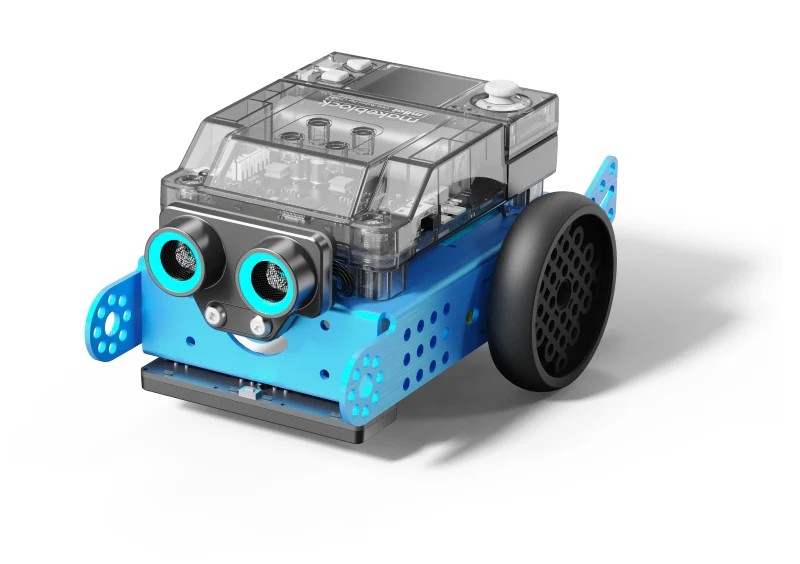
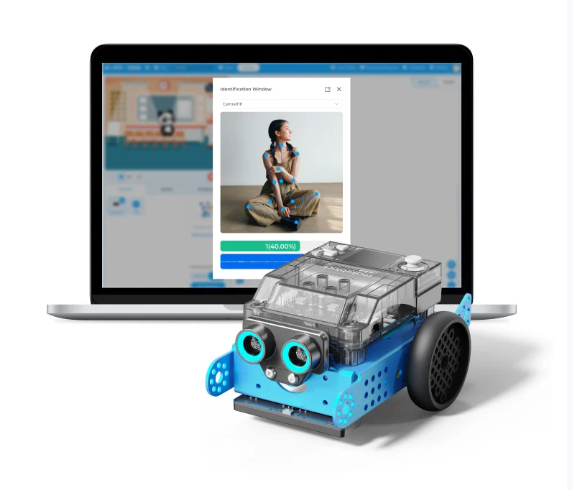
An assembled mBot2 robot An assembled mBot2 robot

Subsections of Robotics

Day 1

Activity 0: Let’s BUILD! 🚧

If you have unbuilt mBots, follow the instructions included with the kit to build them now.

Activity 1: Let’s ROLL! 🤖

  • Are you new to mBot or need a refresher? Start here! Testing mBot YouTube Video

Activity 2: Let’s CODE! 💻

Activity 3: Let’s MOVE! ⚙️

Android and Apple Apps

Let’s go METRIC SYSTEM! 📏

Resources

Already an mBot expert? Move on to Day 2 or Day 3.
Day 2

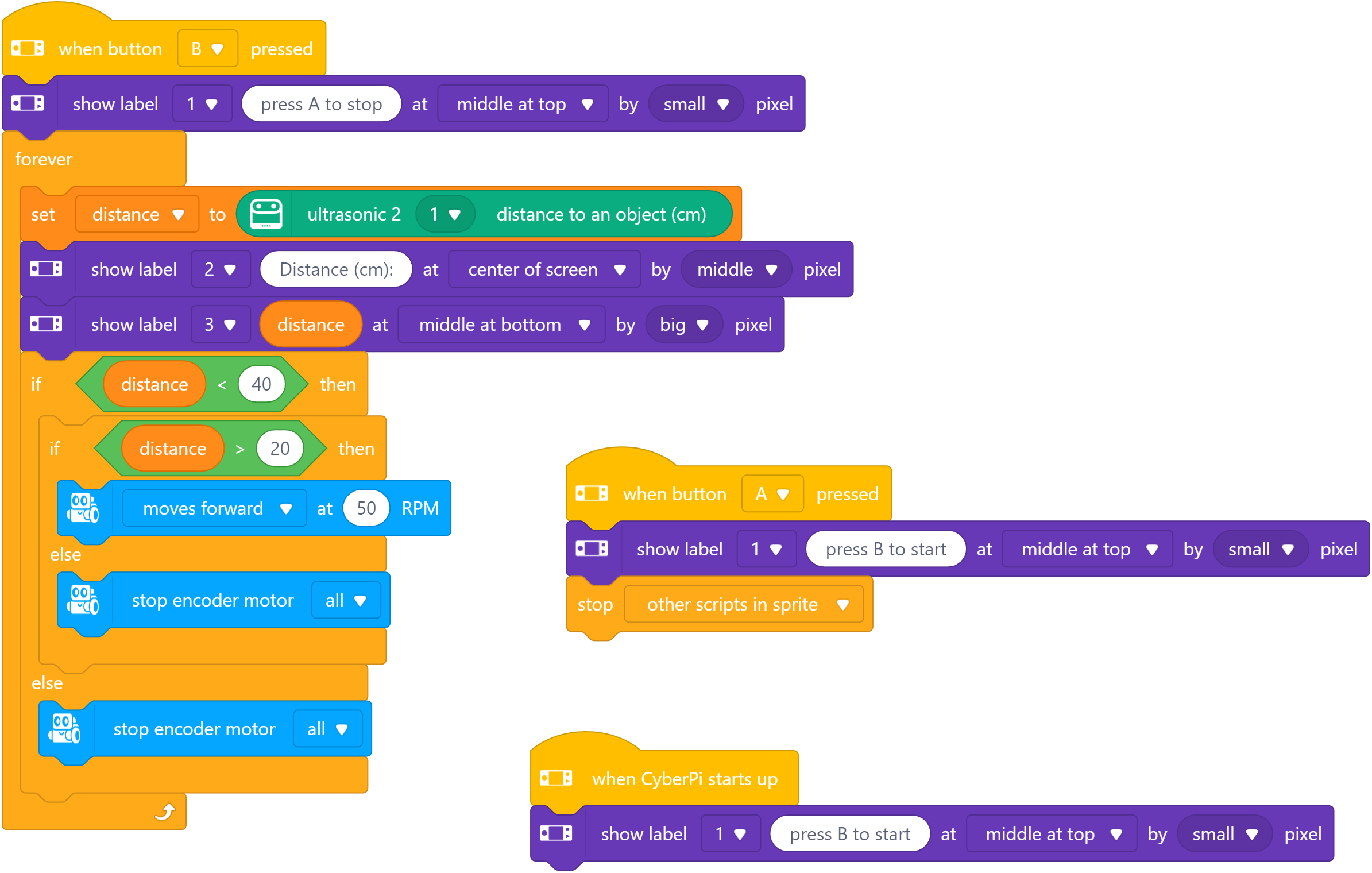
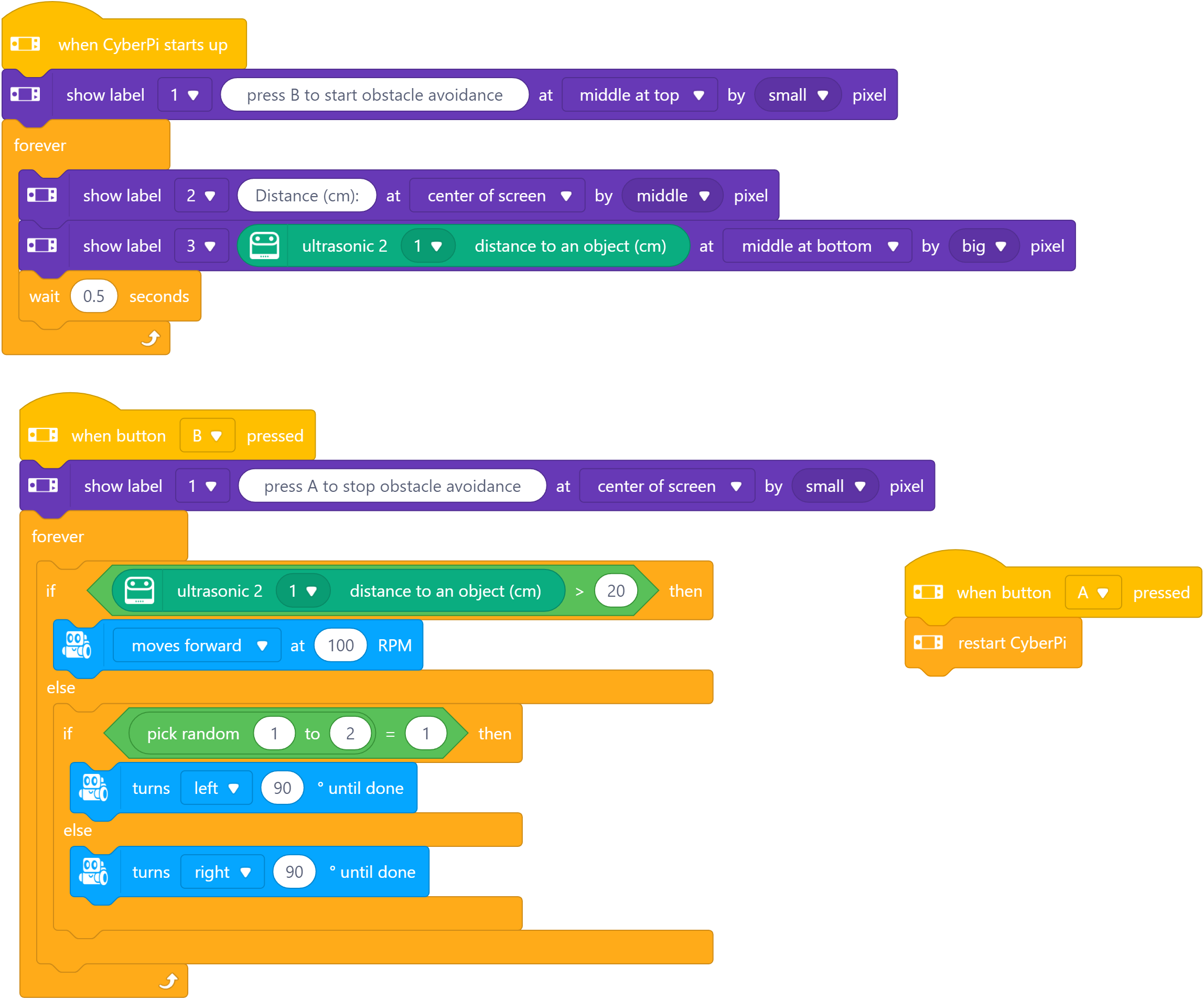
Activity 1: Obstacle Avoidance

Obstacle Avoidance Obstacle Avoidance

Activity 2: Object Follow

Object Follow Object Follow

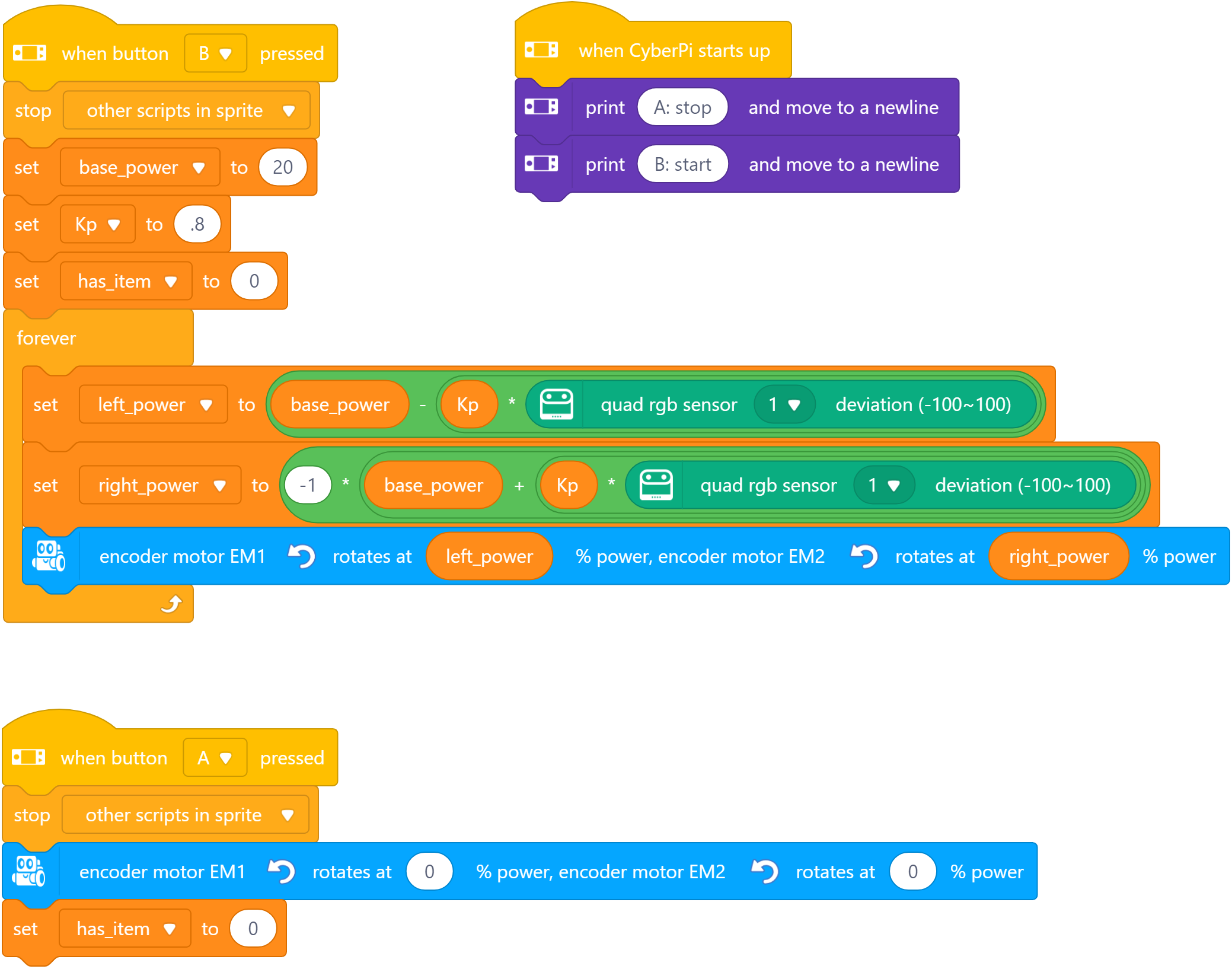
Activity 3: Line Follow

Line Follow Line Follow

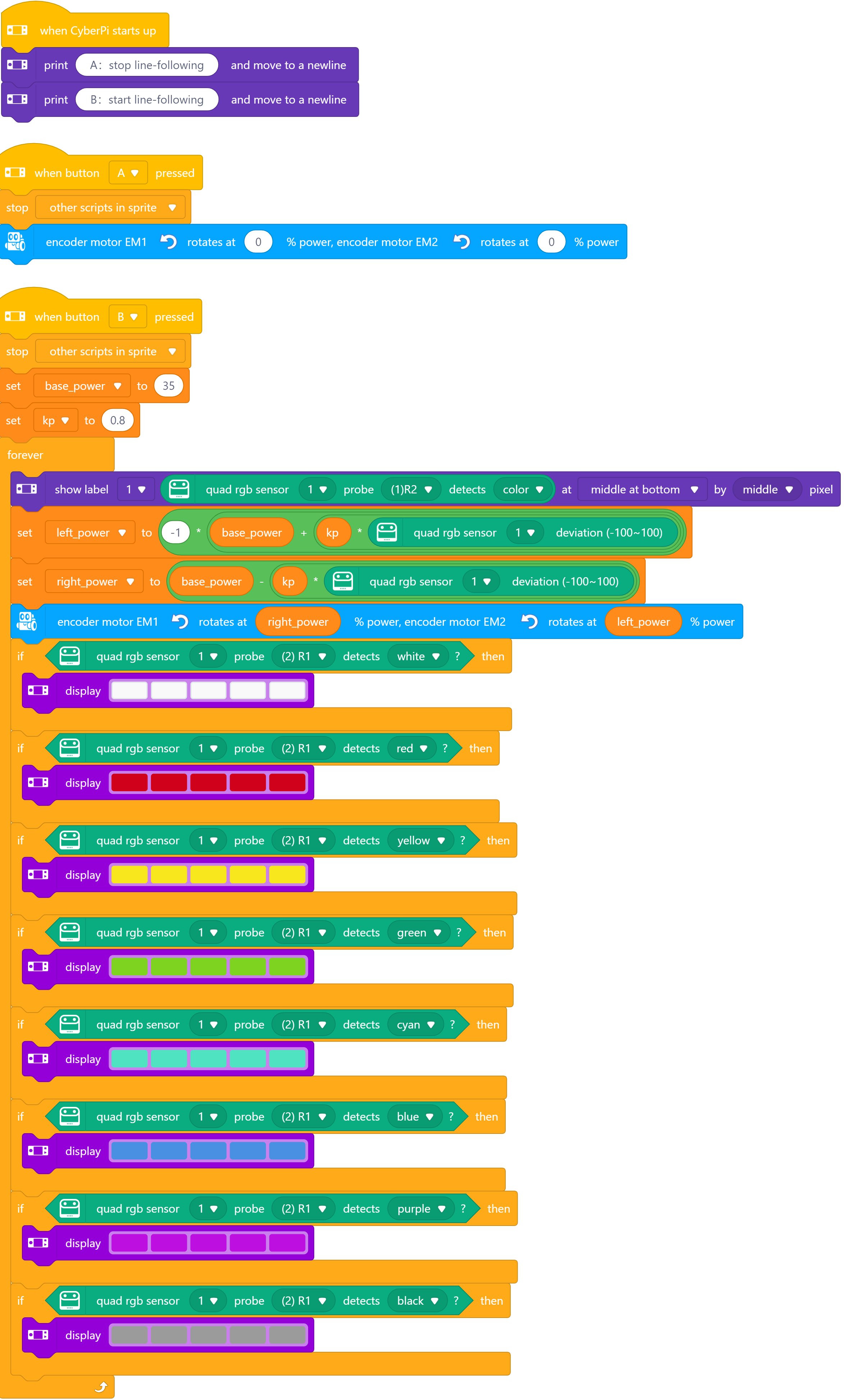
Activity 4: Line Following with LEDs

  • Line Following and change LEDs Line Following with LEDs Line Following with LEDs

Day 3

Virtual Aviation Hangar Tour

Christmas in June???

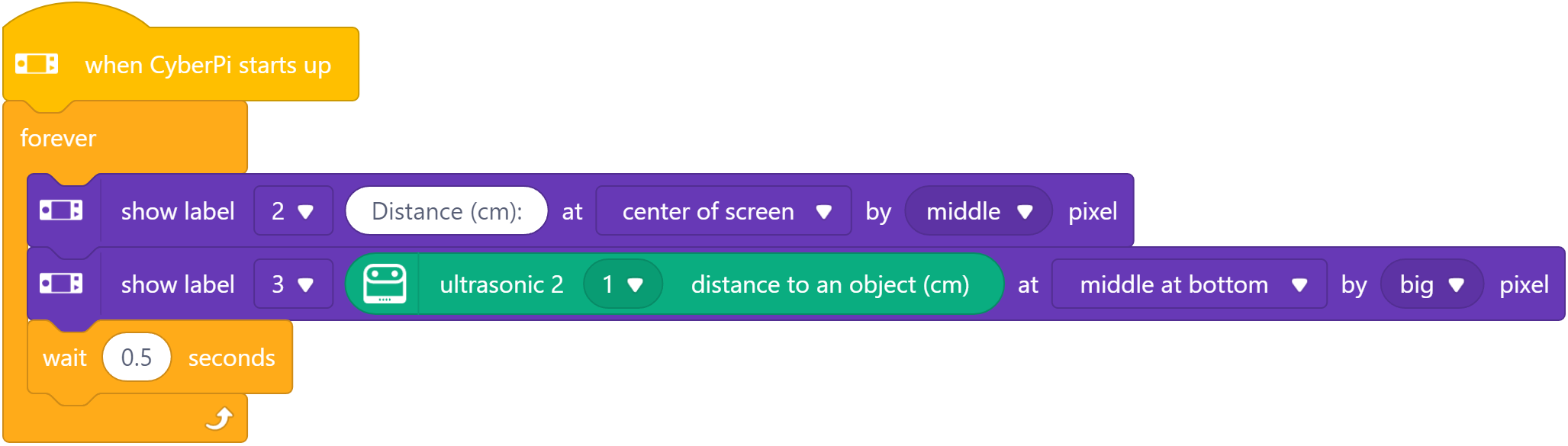
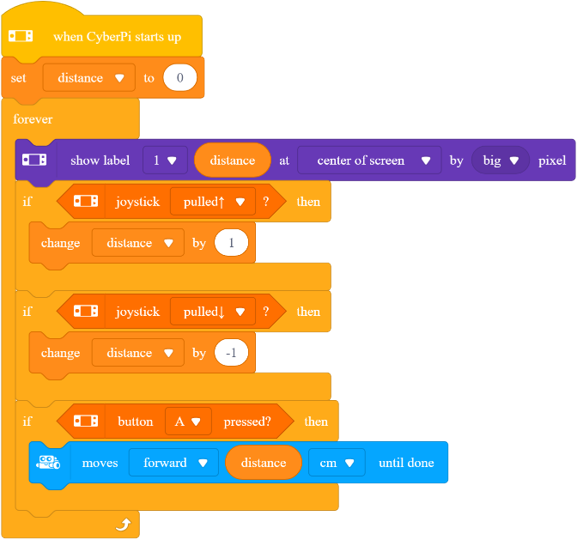
Activity 1: Measure Distance

  • Measure distance Measure Distance Measure Distance

Activity 2: Move Distance

  • Move distance Move Distance Move Distance

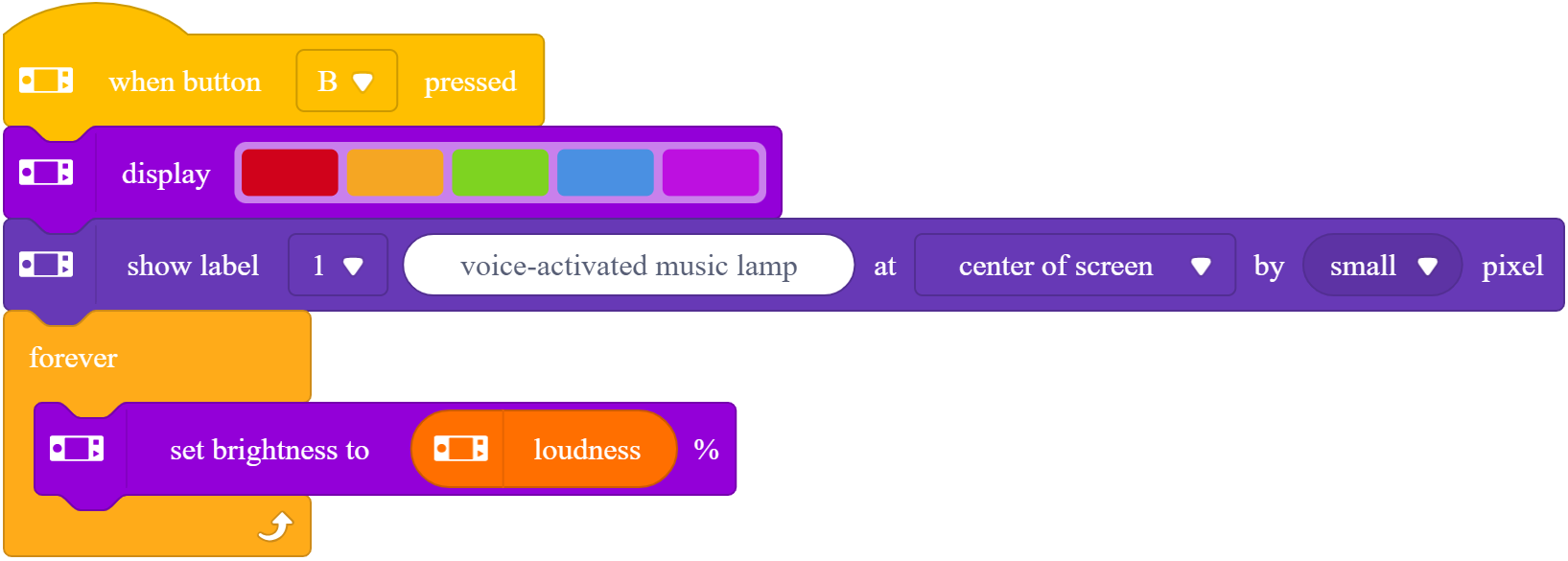
Activity 3: Did you hear that?

  • Sound Reaction Sound Reaction Sound Reaction

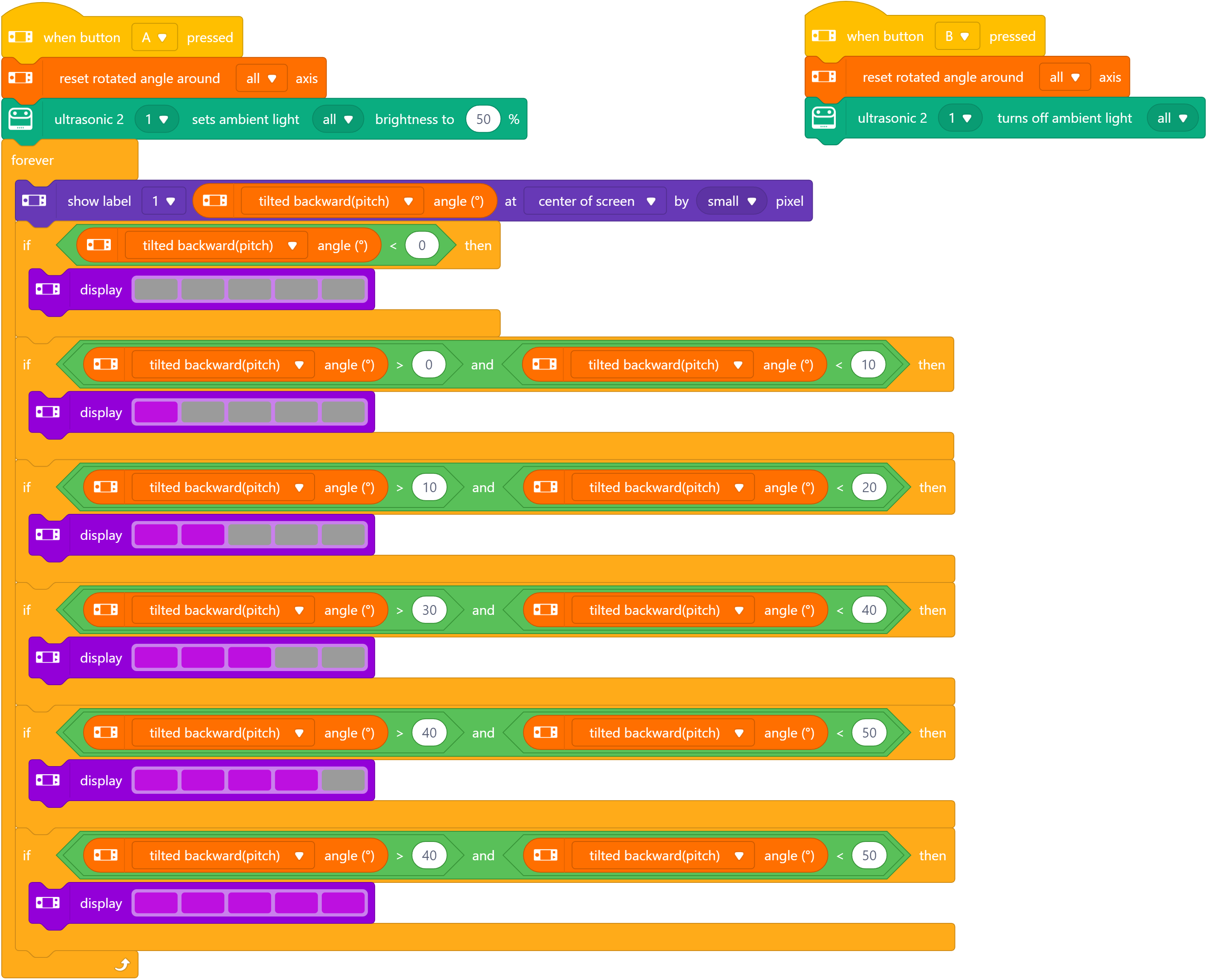
Activity 4: Angle Indicator

  • Build this Angle Indicator Angle Indicator Angle Indicator

Remote Control

Teleop Control

Create a teleoperation control panel (remote control) for the mBot

Resources

Robot Arm Activities

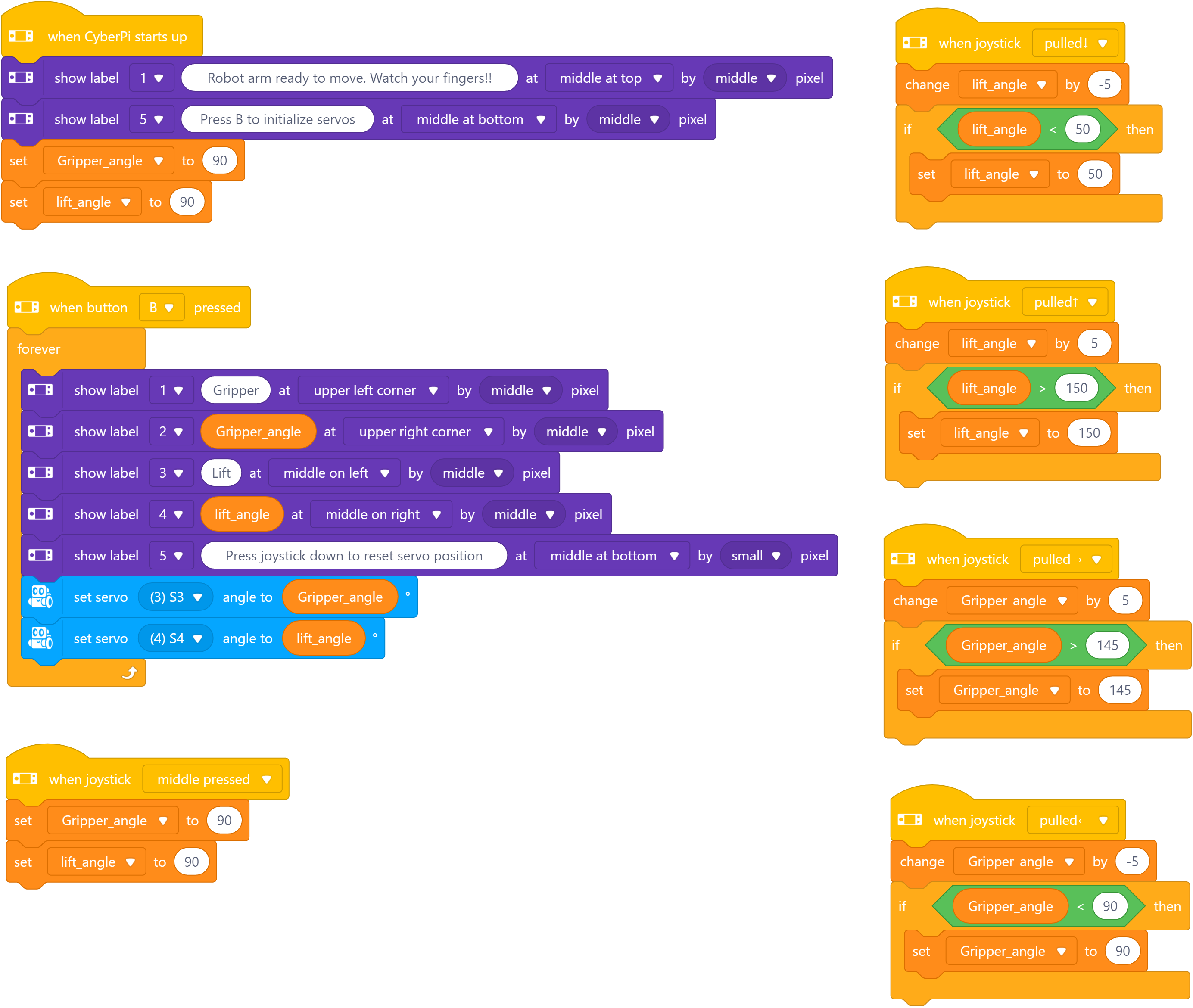
Activity 1: Robot Arm (if you have it)

Robot Arm Robot Arm

Activity 2: Color Line Follow

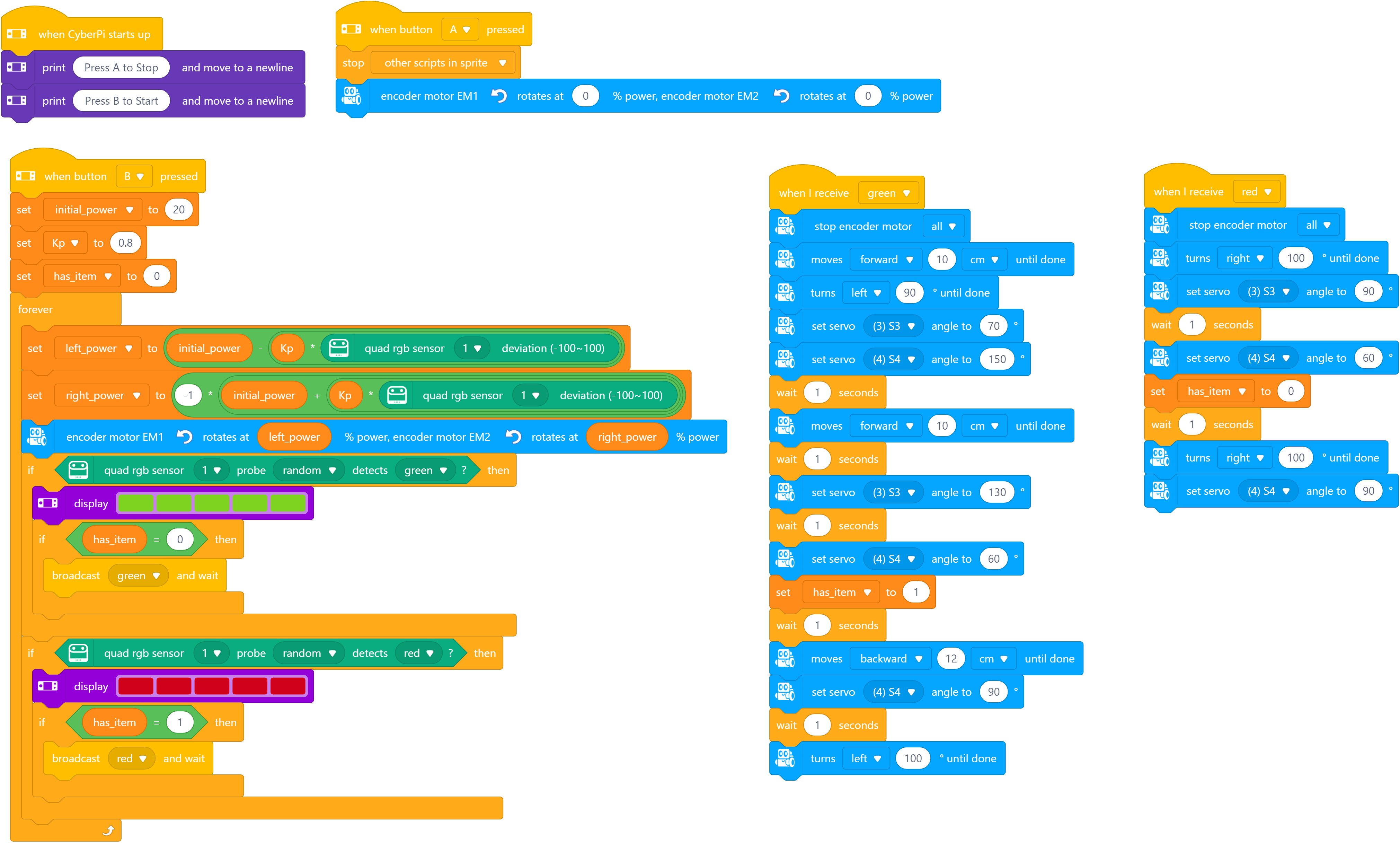
  • Color Line Follow - uses robot arm but you can skip that part YouTube Video

Color Line Follow Color Line Follow